A Restaurant Menu Plugin That Works with Elementor Free
Keep restaurant menu updates out of your page editor. JelloPoint is a WordPress restaurant menu plugin that lets you create and maintain food and drink menus in WordPress, while Elementor controls how they look.
Add dishes manually or import menu data with JelloPoint Pro. Organise your sections, update prices and reuse menu items from one central place. Set up the JelloPoint widget in Elementor Free, then manage everyday menu changes without editing the page.
Create, organize and display professional restaurant menus.
Easy Menu Builder
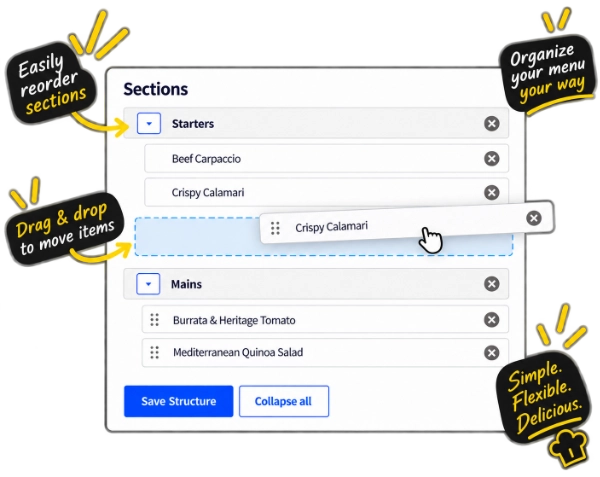
Create menus, arrange sections and manage dishes in WordPress with the drag-and-drop Menu Builder.
Works with Elementor Free
Display and style your saved WordPress menu with Elementor Free. Elementor Pro is not required.
Flexible Menu Layouts
Choose different layouts, columns and section styles to fit your restaurant.
Prices & Dietary Information
Present prices, labels and dietary information clearly and consistently.
EASY MENU MANAGEMENT
Manage Your Menu in WordPress. Style It in Elementor.
Use JelloPoint to manage dishes, descriptions, prices and menu sections. Use Elementor Free for layouts, typography, colours and spacing.
Changing a dish or price does not require editing your Elementor page. Update the menu content in WordPress, and the widget displays the saved changes wherever that content is used.
Drag sections and menu items into place and reuse existing content across menus. Add items manually, or import JSON and CSV menu data with JelloPoint Pro.
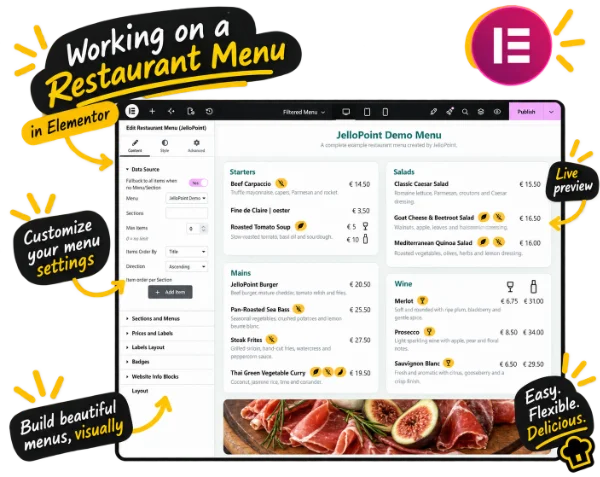
Add the JelloPoint Restaurant Menu widget to your Elementor page and select the menu you created in WordPress. Use Elementor Free to adjust columns, typography, colours, spacing and the display of prices and dietary badges.
Once the widget is set up, manage dishes and prices in JelloPoint. Open Elementor when you want to change the design. Follow the Elementor restaurant menu design guide to get started.
No shortcodes
Place and style your menu with the Elementor widget.
Responsive layouts
Choose one, two or three columns.
Style controls
Control typography, spacing and presentation.
FLEXIBLE LAYOUTS
One menu. Different ways to present it.
Inline
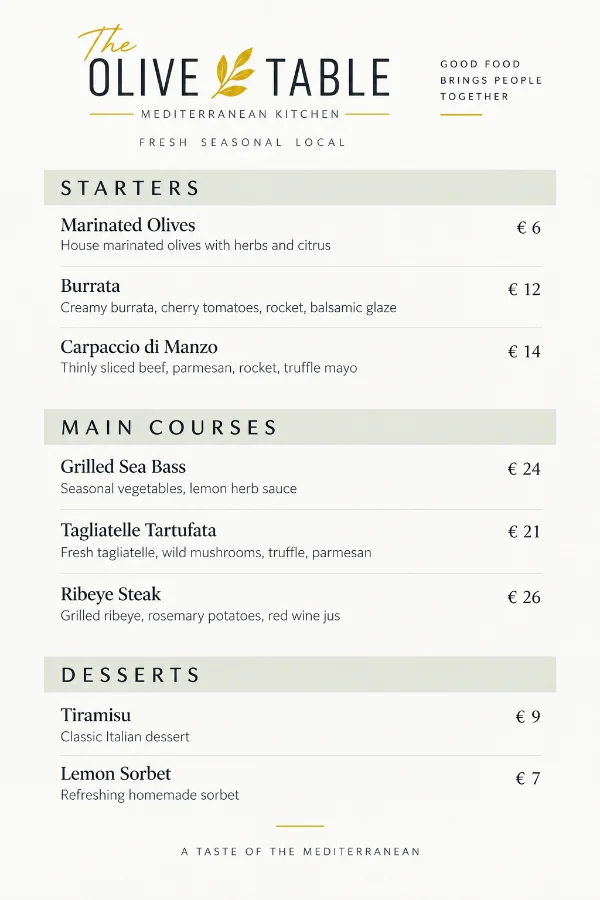
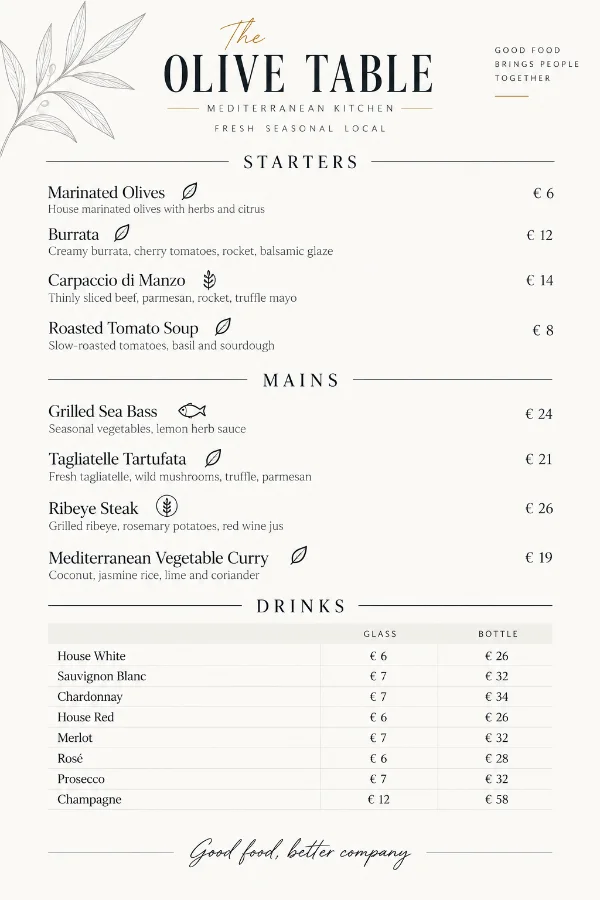
A clean layout for dishes, descriptions and prices.
Matrix
Ideal for dishes available in different sizes or options.
Multi-column
Use one, two or three (responsive) columns to make the best use of available space.
FLEXIBLE MENU INFORMATION
Single or Multiple Prices
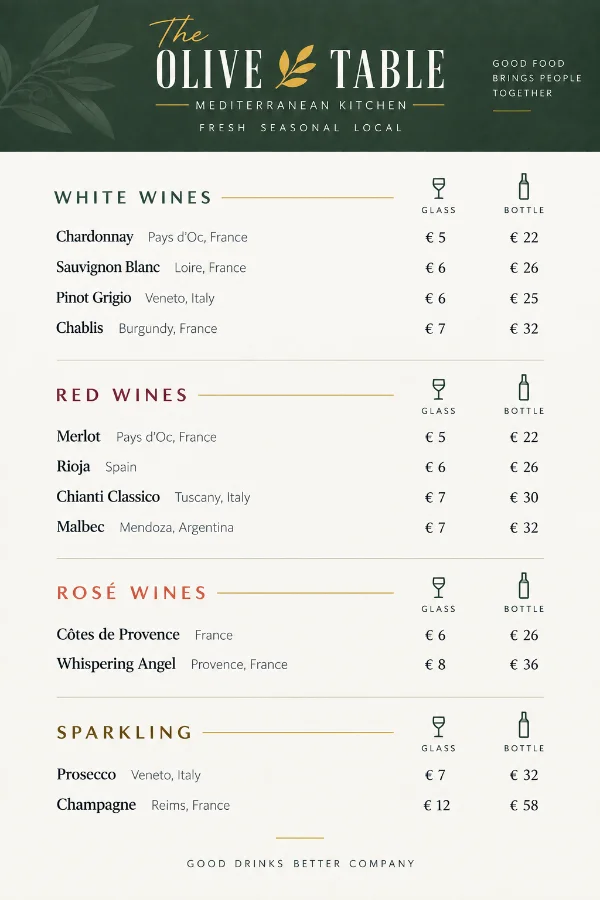
Use a single price for a dish, or Pro multiple prices for serving sizes, glasses and bottles. Keep price data in WordPress and choose an inline or matrix presentation in Elementor. See the multiple prices guide.
Multiple Prices — PRO
Use different prices for sizes, portions or options.
Price Labels
Create clear labels for different pricing options.
Dietary Information Made Clear
Show vegetarian, vegan, gluten-free and other dietary information using the badges you assign. Learn how to manage prices and dietary badges.
Mixed Layout in 1 Menu
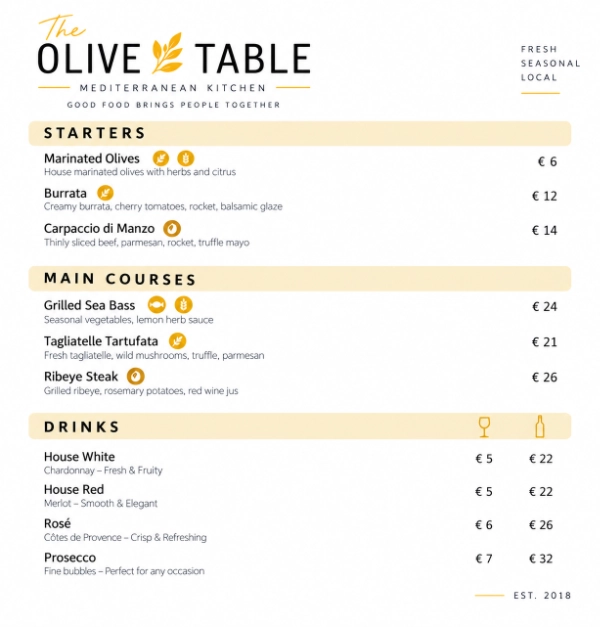
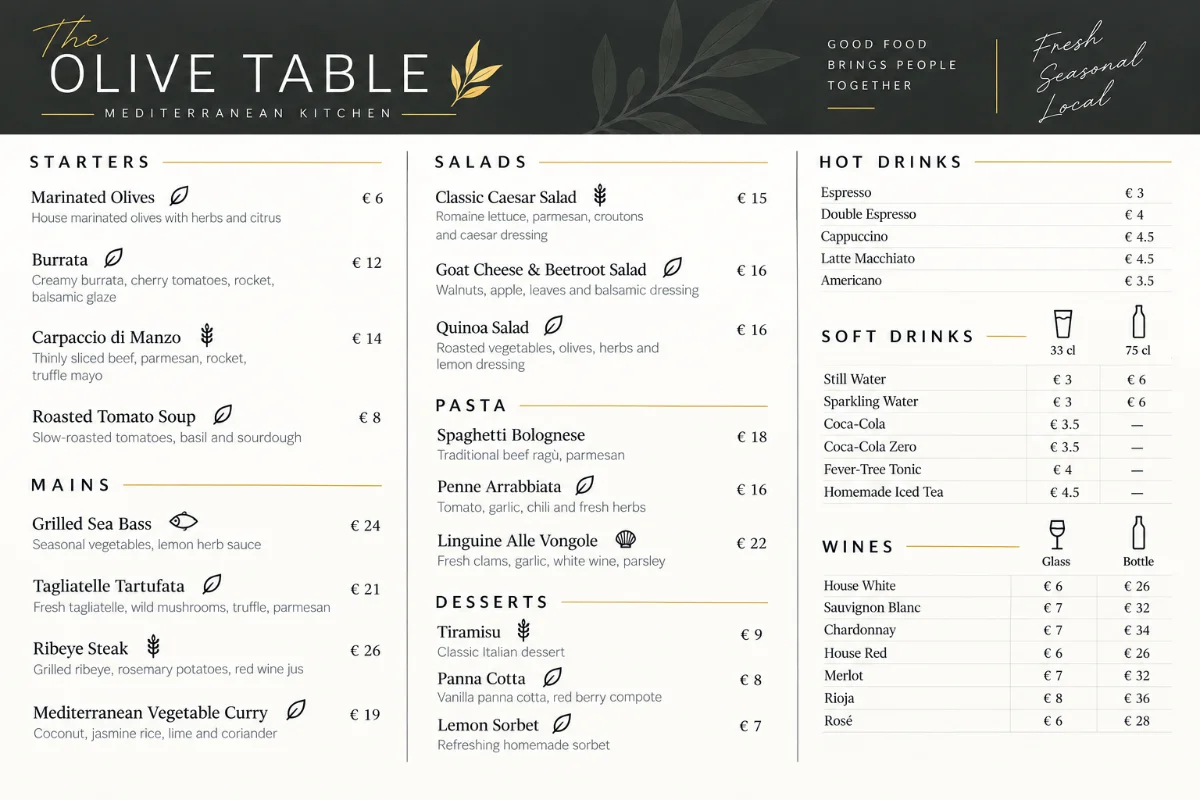
Combine food and drinks in one menu, with different layouts for individual sections.
MORE FLEXIBILITY
Add more than menu items
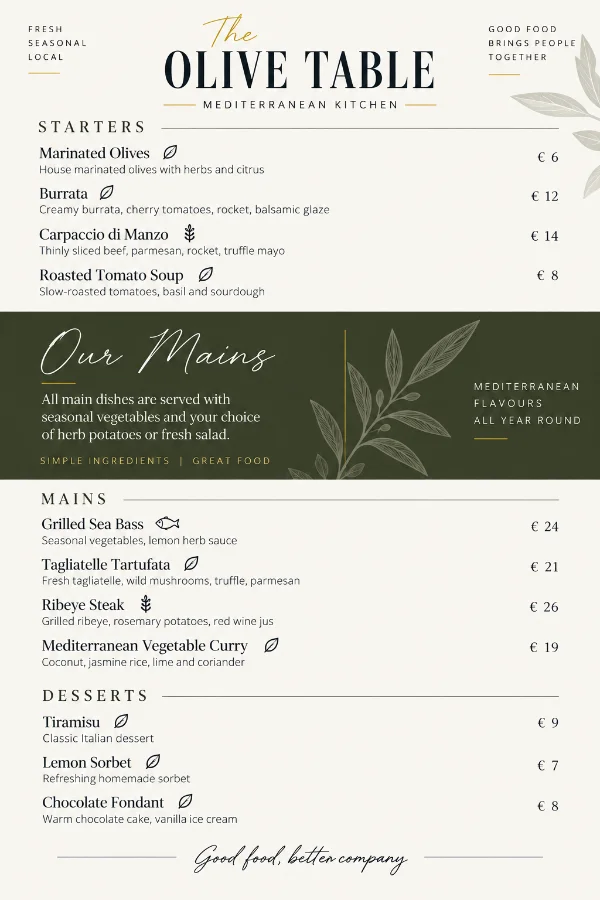
Add reusable information blocks above or below menu sections for serving notes, images or explanations. Follow the Info Blocks guide for placement options.
JELLOPOINT PRO
Take your restaurant menu further
Unlock the complete JelloPoint Restaurant Menu experience with Pro.
Create menus for specific days or periods without changing your regular restaurant menu. Learn to configure daily and weekly menus.
Print & PDF
Prepare a dedicated printable menu design and save it as PDF. Follow the Print and PDF guide for presets, margins and columns.
Import and Export Your Menu Data
Import JSON and CSV menu data with JelloPoint Pro, then manage the imported content in WordPress. Update dishes and prices without editing your Elementor page. Review the import and export guide for file preparation, Dry Run validation and import reports.
Multiple Prices
Set multiple prices for serving sizes, portions, glasses and bottles with JelloPoint Pro.
No. JelloPoint Restaurant Menu works with Elementor Free. Create and manage your menu content in WordPress, then use the JelloPoint widget in Elementor Free to display and style it. Elementor Pro is not required.
Yes. Update dishes, descriptions and prices in JelloPoint in your WordPress dashboard. Use Menu Builder to change sections and item order. The Elementor widget displays your saved menu content using the existing design, so everyday menu updates do not require opening the Elementor editor.
JelloPoint Pro lets you import menu data from JSON and CSV files that follow the required format. Validate the file with Dry Run before importing. You can also create and edit menu items manually in both Free and Pro. See the import and export guide for details.
Yes. You can create and manage your restaurant menus directly from the WordPress dashboard. Elementor is only needed if you want to use the dedicated JelloPoint Elementor widget to place and style menus visually.
Yes. You can create as many menus as you need, for example a lunch menu, dinner menu, drinks menu or seasonal menu. Sections can also be reused across different menus, making them easier to maintain.
Yes. JelloPoint Restaurant Menu supports both single and multiple prices ( Multiple Prices PRO Version Only). This is especially useful for drinks, different portion sizes or other items that require several price options. Multiple prices can also be displayed in a structured matrix layout.
Your existing menus and settings are preserved when you upgrade to Pro. The Pro version unlocks the additional Pro features, so you can continue working with the menus you have already created without starting over.
That depends on the license you purchase. JelloPoint Restaurant Menu Pro is available for 1, 3, 10 or 25 websites. You can choose the license that best matches the number of websites where you want to use the plugin.
Your existing Pro features will continue to work after your license expires. However, you will no longer receive plugin updates or support. Renewing your license restores access to updates and support.
Ready to create a better restaurant menu?
Start for free or unlock the complete JelloPoint Restaurant Menu experience with Pro.